Hypatos develops deep-learning automation for enterprise document workflows. Its no-code B2B platform enables large organizations to automate invoice processing (from data extraction to fraud detection), transforming manual financial operations into AI-driven decision pipelines.
Scope
Product and design strategy definition
System and workflow analysis
UX research and behavioral insights
Interaction and decision-flow design
Prototyping and system modeling
Visual and interface architecture
Design system and documentation
Handover-ready artifacts for engineering and product teams
My Role
Led the end-to-end design of an AI-driven enterprise platform
Translated complex automation logic into legible human workflows
Defined design operations and long-term UX roadmap
Designed interaction models for human–AI collaboration
Evaluated design effectiveness through qualitative and quantitative signals
Collaborated with product, engineering, data science, and business teams to align AI behavior with user cognition and organizational constraints
About Hypatos
Hypatos provides end-to-end deep-learning automation for organizations processing large volumes of documents. The platform enables no-code orchestration of document workflows, supporting hyper-automation across classification, extraction, validation, and enrichment processes.
The Hypatos Studio operates as an AI layer over enterprise operations, backed by data science and machine learning models that augment — rather than replace — human decision-making.
The Problem
Manual document processing is slow, costly, and structurally vulnerable to errors, fraud, and overpayments. Existing automation technologies often focus on data capture rather than decision accountability, leaving organizations exposed to hidden systemic risks.
The challenge was not only technical automation, but designing a system where AI decisions could be understood, questioned, and governed.
Objective
Design a no-code AI platform capable of automating complex document workflows (classification, splitting, capturing, validation & enrichment) while preserving meaningful human control over critical decisions.
The goal was to shift users from repetitive manual tasks toward supervisory roles, without obscuring uncertainty or responsibility behind automation.
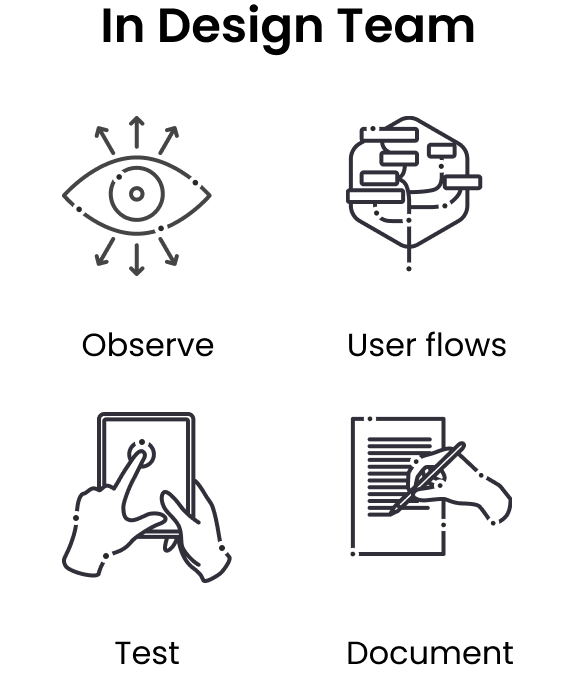
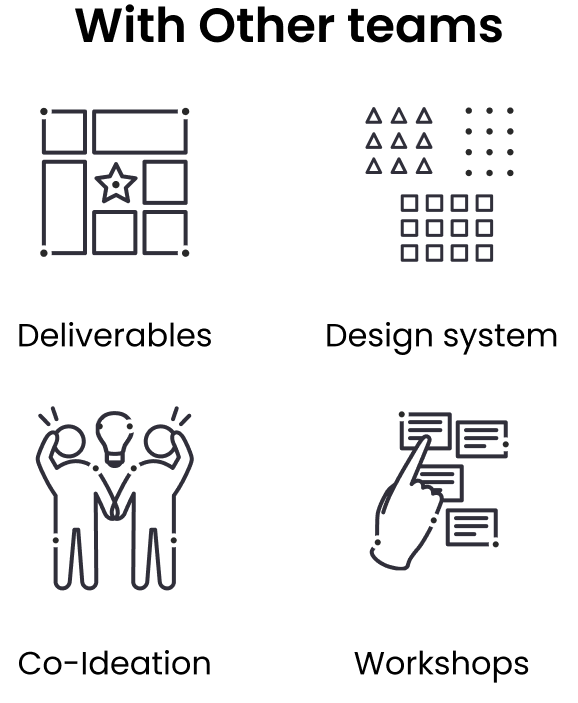
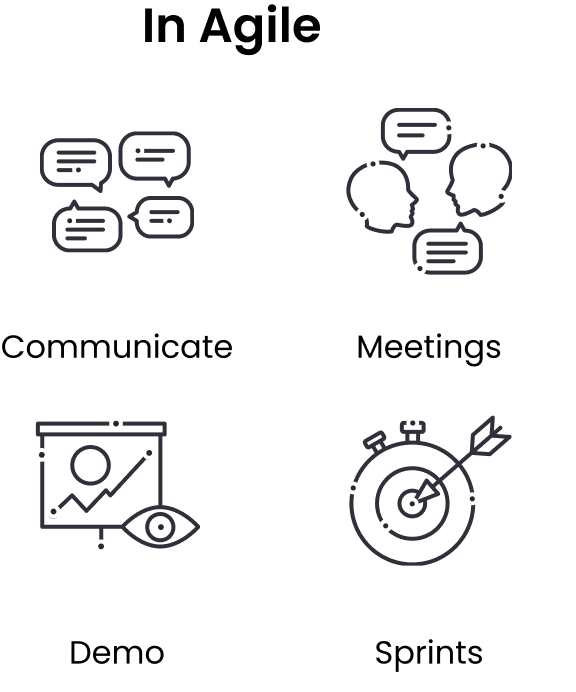
Team Workflow
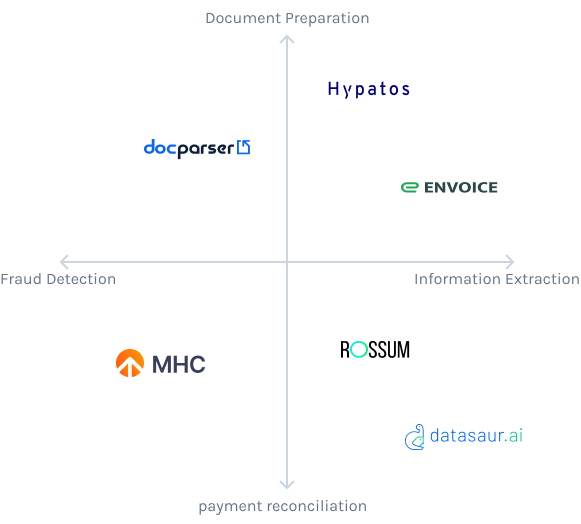
Competitive Analysis
Competitive analysis focused on identifying structural gaps in existing automation platforms – particularly in transparency, control, and interpretability.
Each design team member monitored specific competitors to uncover underserved opportunities and systemic weaknesses in prevailing AI product patterns.
Users and Challenges
The platform served users across operational, financial, and technical roles. Key requirements were transparency, cognitive clarity, and accessibility for users without deep expertise in machine learning or accounting systems.
The core challenge was designing an interface that made complex AI processes legible without oversimplifying their implications.
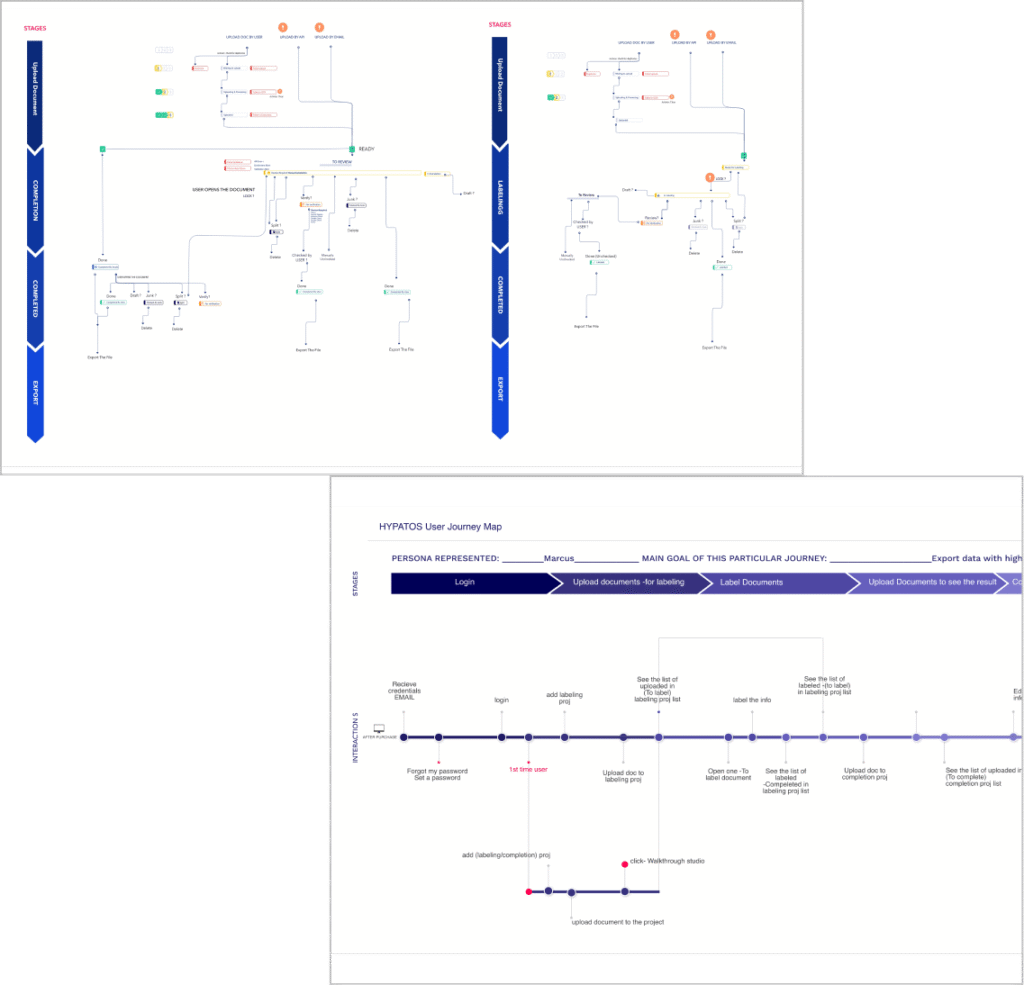
Users and Document Flows
User needs, goals, and pain points were mapped across organizational roles and decision points. Document workflows were decomposed into structured stages to identify bottlenecks, ambiguity zones, and moments requiring human intervention.
Decision points were intentionally embedded to reflect real organizational hierarchies and accountability structures.
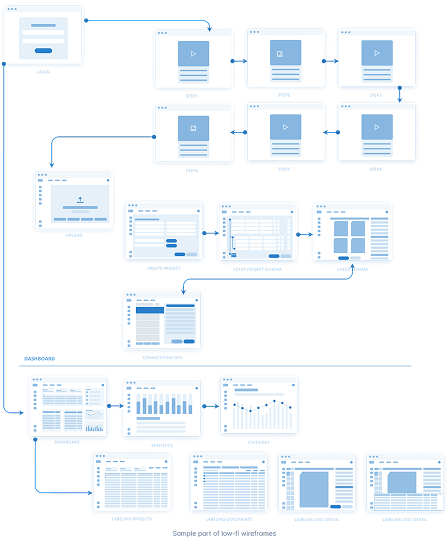
Wireframes
Wireframes were developed as cognitive models of the system rather than purely visual layouts. Early sketches were used to explore how users interpret AI outputs, navigate uncertainty, and transition between automated and manual actions.
Prototypes were iteratively tested to refine the balance between automation and human agency.
Moodboards
Visual direction was defined to reflect the dual nature of the platform:
technical rigor
operational clarity.
Moodboards served as conceptual frameworks for translating AI complexity into coherent visual language aligned with Hypatos’ brand identity.
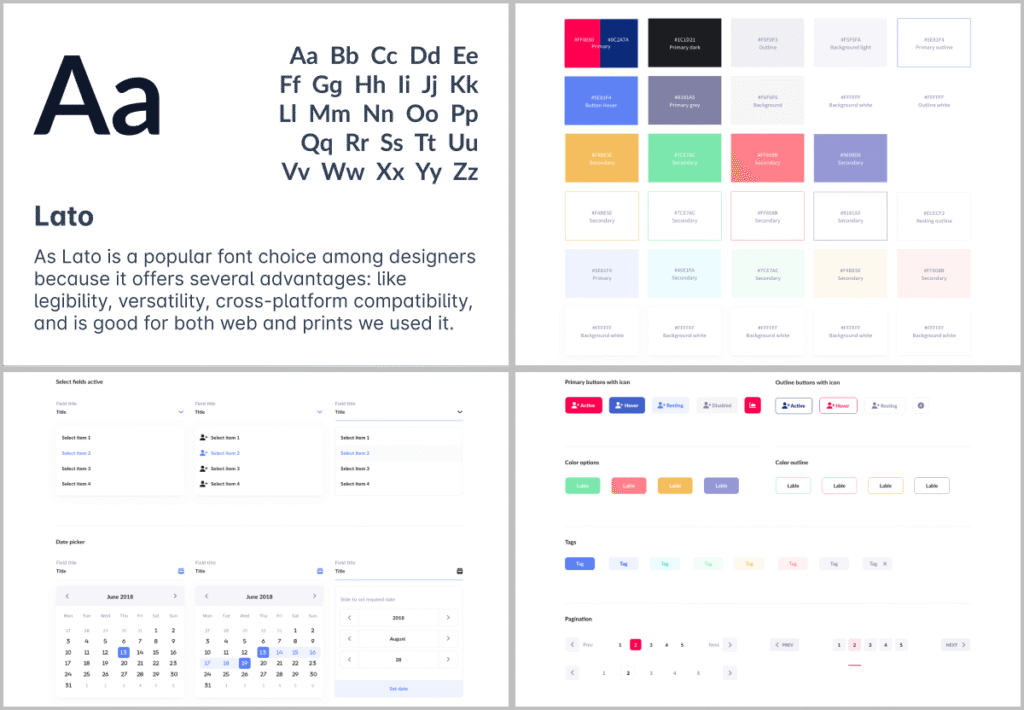
Style Guide & Visual System
A unified style guide was developed to ensure consistency across the platform, design system, and AI training interfaces.
The visual system functioned not only as a branding tool but as a structural layer reinforcing clarity, hierarchy, and decision transparency.
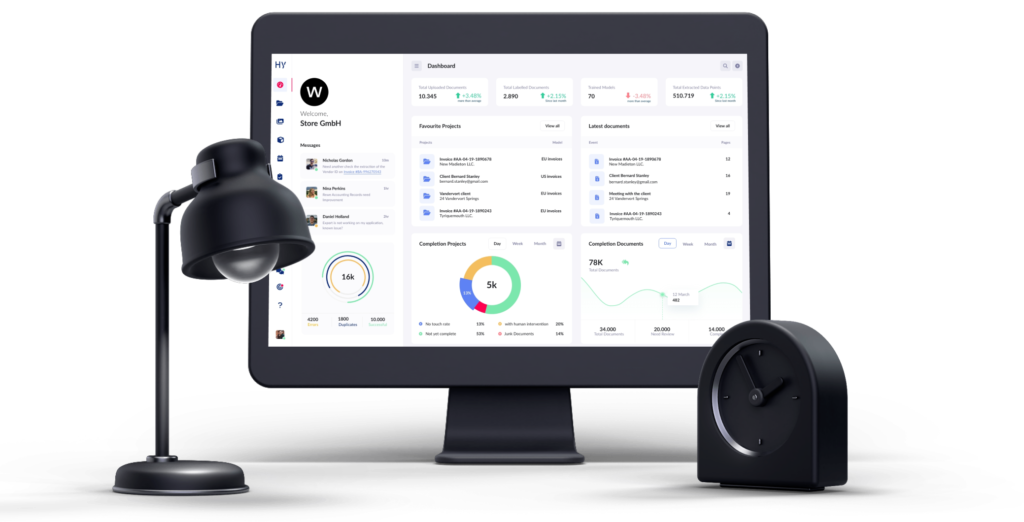
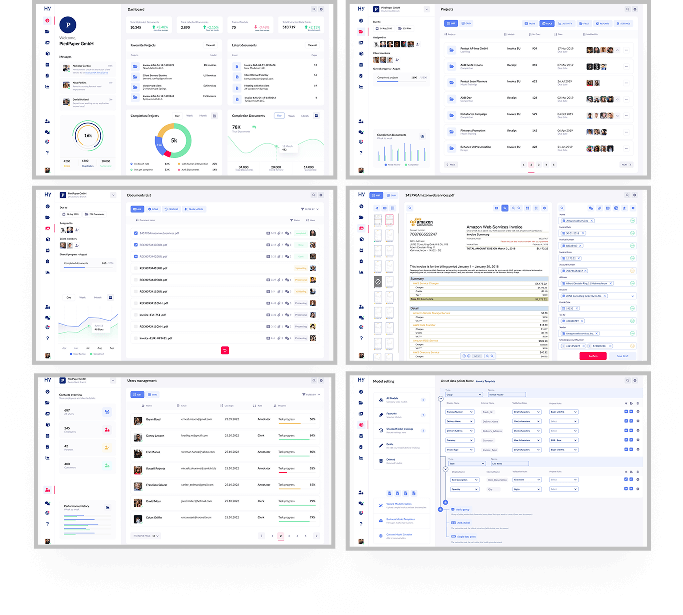
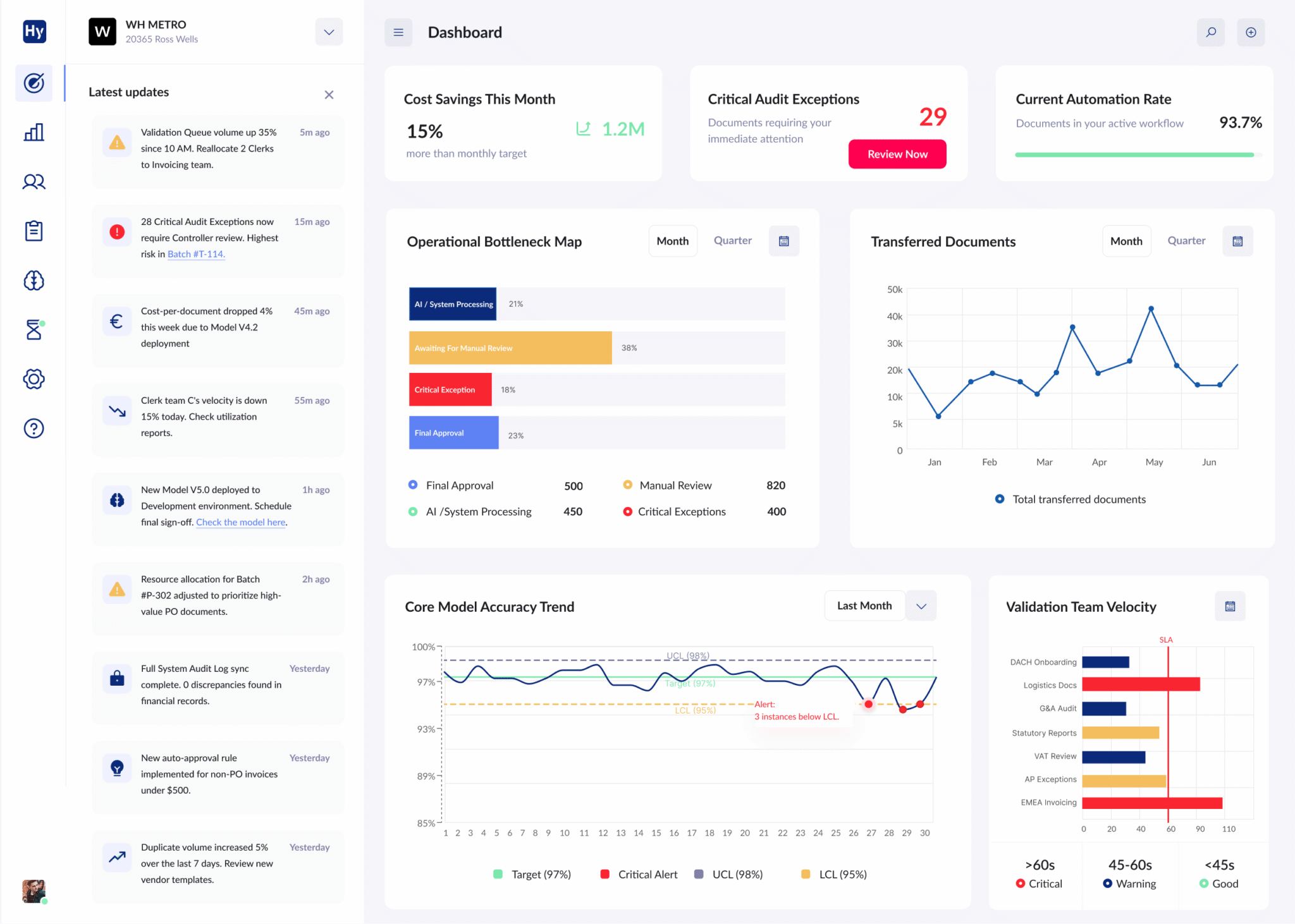
Project Screens
Key dashboards and workflows were validated through user interviews and iterative testing. Interfaces were designed to support rapid scanning, contextual understanding, and continuity of work across automated processes.
The UX emphasized traceability, enabling users to understand not only outcomes, but how those outcomes were produced.
Results & Outcomes
Increased user trust in AI-generated outputs
Production-ready web application supported by a custom design system
Structured AI-focused UX framework adopted across teams
Coherent visual identity aligned with system logic